Warnings for lane-keeping, autonomous emergency braking and adaptive cruise often mean a sensor is blocked. How to clear them and when to worry.
Looking for more detail? Our full guide covers this topic in depth, with step-by-step advice and sources.
A camera or radar used by a driver assistance system is blocked or faulty, so the system is unavailable.
What it looks like
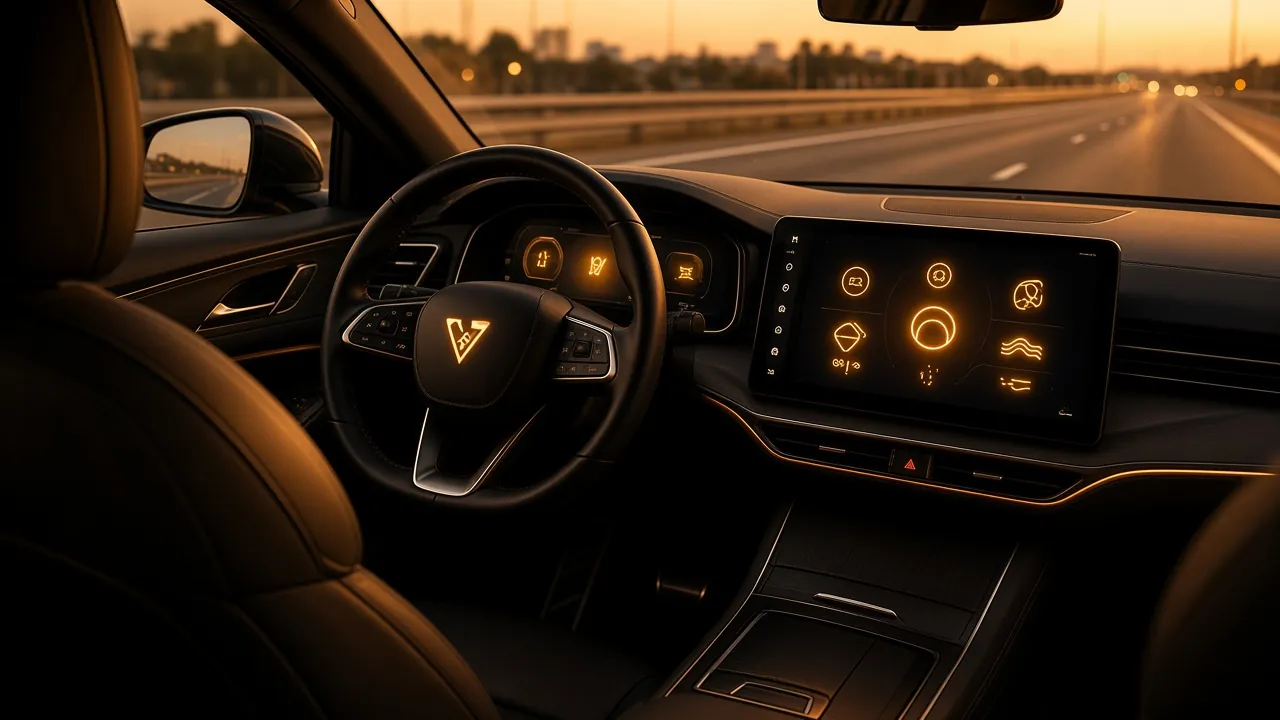
Symbols such as a car between lane lines, a car with radar waves, or a speedometer with a car. Colour: Amber.
Common causes
- Dirt, snow, ice or insects on the windscreen camera area or front radar sensor
- Heavy rain or low sun
- A recent windscreen replacement without camera recalibration
- Sensor fault or damage after a bump
What to do
- Clean the windscreen in front of the camera and the badge or grille area where the radar sits.
- If a windscreen has been replaced, ask the fitter to confirm the camera was recalibrated.
- If it stays on in good conditions, have the system checked.
Can I keep driving?
Yes. Drive normally without the assistance system.
MOT
Not a standard MOT test item at present.
Symbols vary slightly between makes. Always check your owner's handbook. General guidance only; if in doubt, call your breakdown provider.
Sources and further reading
Facts checked on 20 October 2026. Spotted an error? Tell us and we will correct it.